> ## Documentation Index
> Fetch the complete documentation index at: https://help.snipin.ai/llms.txt
> Use this file to discover all available pages before exploring further.
# Create an account
> Sign up with your email and get started in minutes.
Welcome to Snipin AI!
Getting started takes less than a minute — no complicated sign-up forms or password resets. All you need is your **email address** and a **one-time OTP** to access your dashboard and start creating your first project.
## 1. How to Sign Up for Snipin AI
Follow these simple steps to create your account and dive into the Snipin AI dashboard:
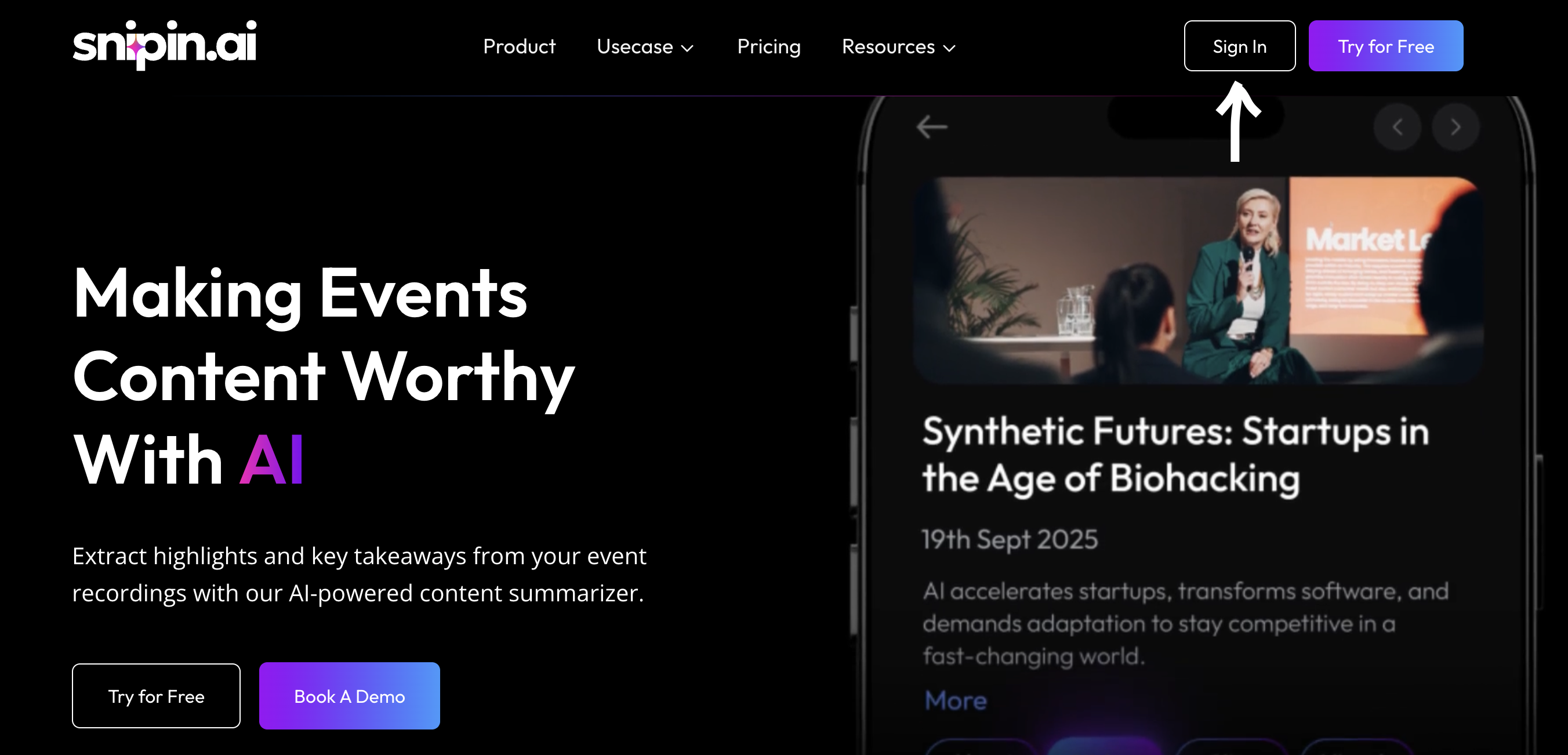
### Step 1: Visit the Website
Go to 👉 [**www.snipin.ai**](www.snipin.ai)
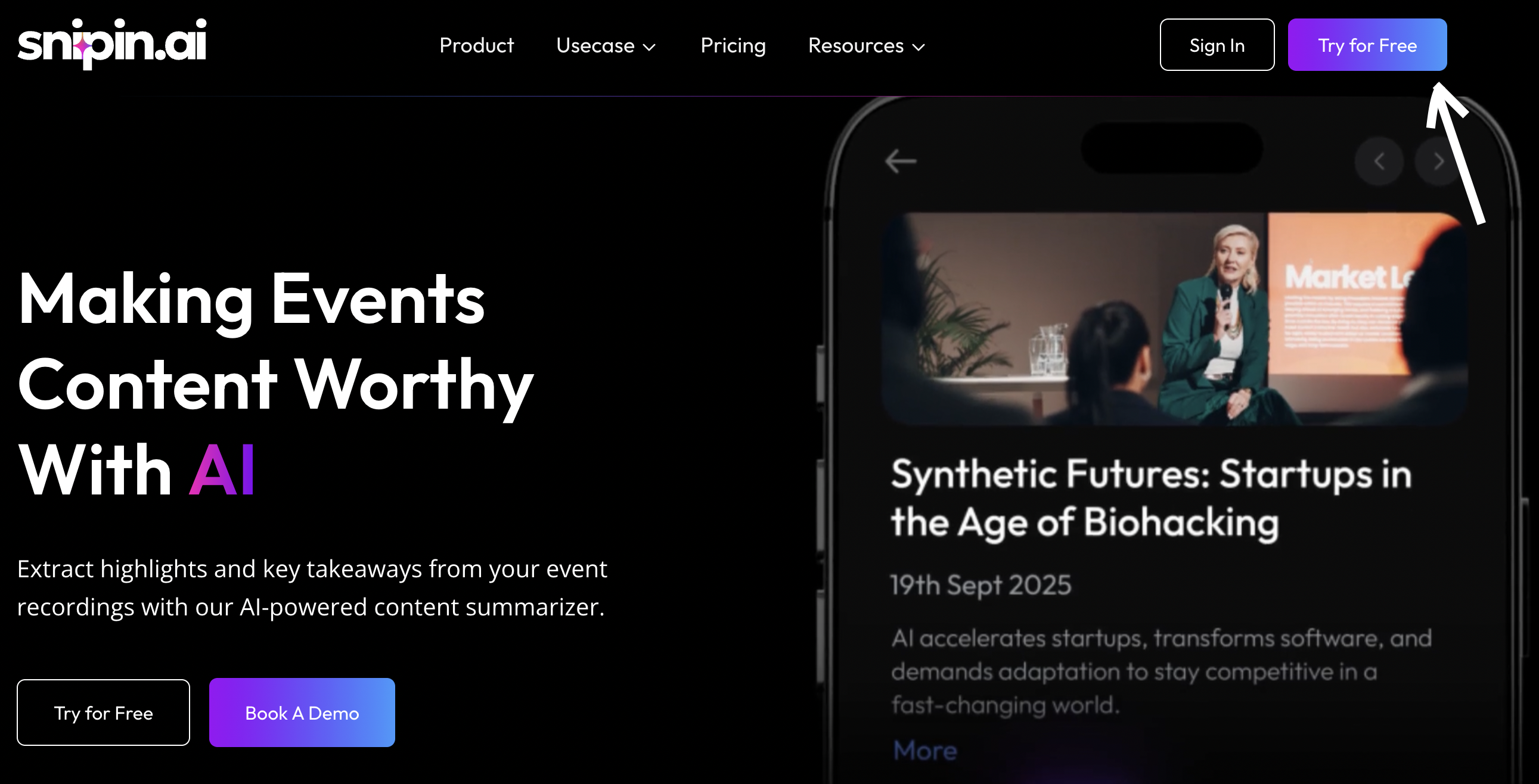
You’ll find the **“Try for Free”** or **“Sign Up”** button right on the homepage.
 ### Step 2: Enter Your Email Address
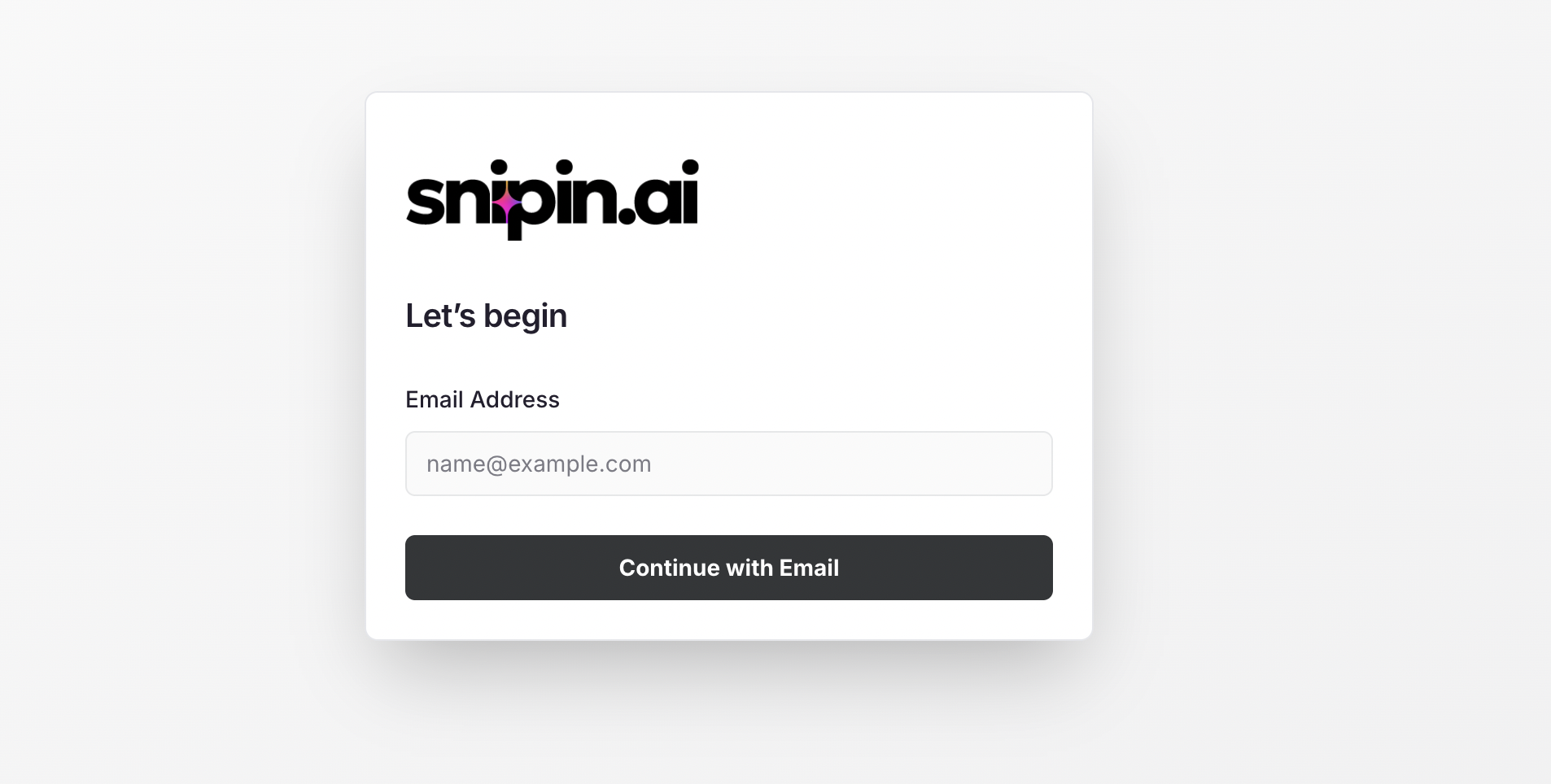
Once you click **Sign Up**, you’ll be asked to enter your **email address**.
This helps us create your secure user session and send you a one-time verification code.
### Step 2: Enter Your Email Address
Once you click **Sign Up**, you’ll be asked to enter your **email address**.
This helps us create your secure user session and send you a one-time verification code.
 ### Step 3: Verify with OTP
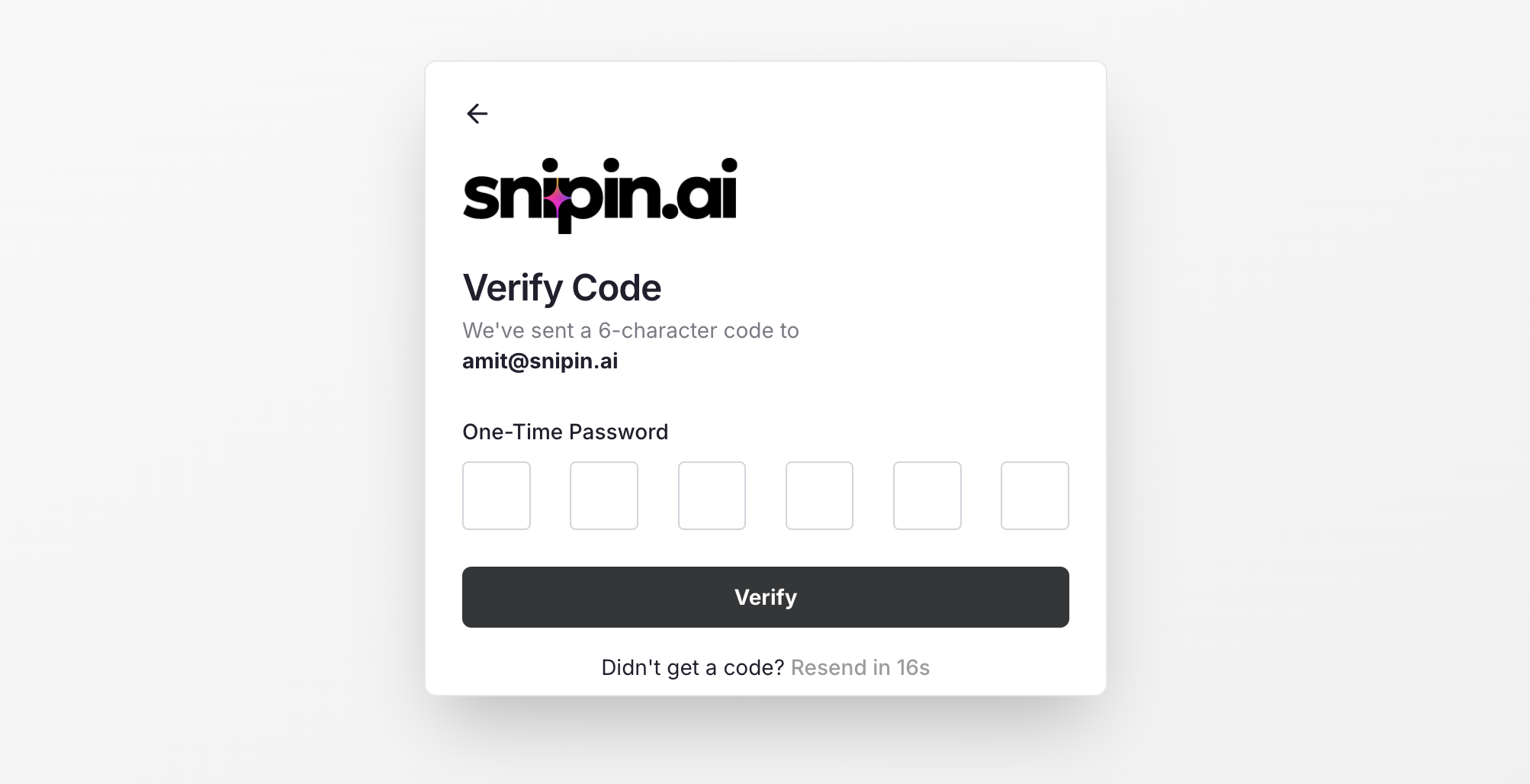
You’ll receive a **6-digit OTP** in your email inbox. Enter it in the verification field and click **Verify**.
### Step 3: Verify with OTP
You’ll receive a **6-digit OTP** in your email inbox. Enter it in the verification field and click **Verify**.
 ### Step 4: Complete Basic Details
Once verified, you’ll be prompted to fill in a few quick details:
* **Full Name**
* **Mobile Number**
* *(Your email is already pre-filled!)*
That’s it — no long forms, no unnecessary steps.
### Step 5: Access Your Dashboard
Click **Next**, and you’ll instantly land on your **Snipin AI Dashboard**, where you can start creating your first event or uploading content.
### Step 4: Complete Basic Details
Once verified, you’ll be prompted to fill in a few quick details:
* **Full Name**
* **Mobile Number**
* *(Your email is already pre-filled!)*
That’s it — no long forms, no unnecessary steps.
### Step 5: Access Your Dashboard
Click **Next**, and you’ll instantly land on your **Snipin AI Dashboard**, where you can start creating your first event or uploading content.
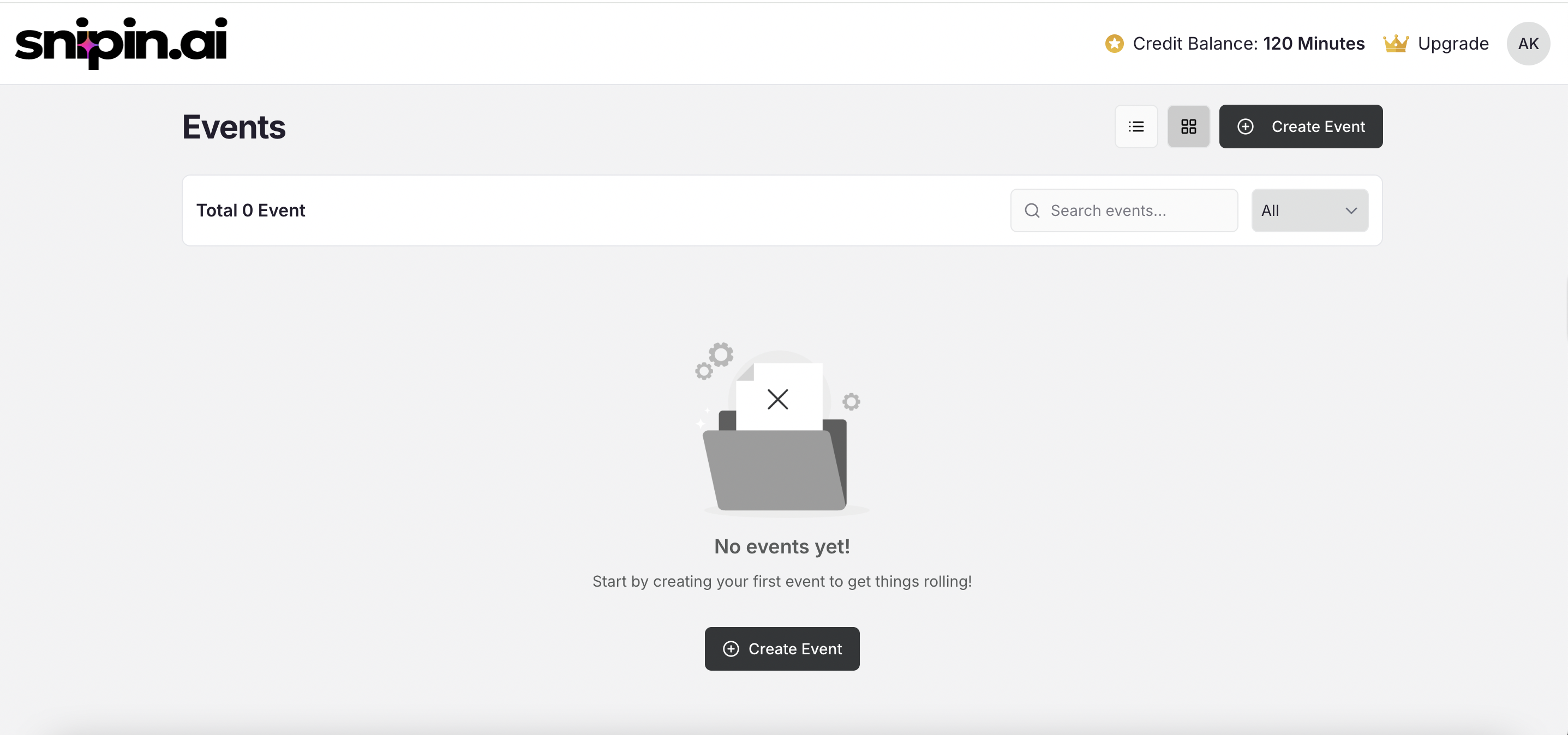 *A sample dashboard view showing “Create Your First Event” or “Start Uploading” button.*
✅ **You’re all set!**
Your Snipin AI account is now active and ready to go.
## 2. Logging In to Snipin AI
If you already have an account, logging in is just as simple:
1. Visit [**www.snipin.ai**](https://snipin.ai/)
2. Click **Login** (top-right corner).
3. Enter your **registered email address**.
4. Check your inbox for the **OTP** and enter it.
5. You’ll be logged in instantly — no passwords required!
*A sample dashboard view showing “Create Your First Event” or “Start Uploading” button.*
✅ **You’re all set!**
Your Snipin AI account is now active and ready to go.
## 2. Logging In to Snipin AI
If you already have an account, logging in is just as simple:
1. Visit [**www.snipin.ai**](https://snipin.ai/)
2. Click **Login** (top-right corner).
3. Enter your **registered email address**.
4. Check your inbox for the **OTP** and enter it.
5. You’ll be logged in instantly — no passwords required!
 ***No Social Login Yet:***
Currently, Snipin AI supports **email-based login only** for added privacy and security. Social login (Google, LinkedIn, etc.) will be introduced in future updates.
## Need Help ?
We’re here to support you every step of the way.\
Email us anytime at [**info@snipin.ai**](mailto:info@snipin.ai) for help, feedback, or product guidance.
***No Social Login Yet:***
Currently, Snipin AI supports **email-based login only** for added privacy and security. Social login (Google, LinkedIn, etc.) will be introduced in future updates.
## Need Help ?
We’re here to support you every step of the way.\
Email us anytime at [**info@snipin.ai**](mailto:info@snipin.ai) for help, feedback, or product guidance.